Running Project
The project has a RQT GUI plugin that lets you to interact with robot. To start with this plugin make sure in previous sections you built project successfully.
source your workspace and start the project with;
source install/setup.bash
rqt --force-discover
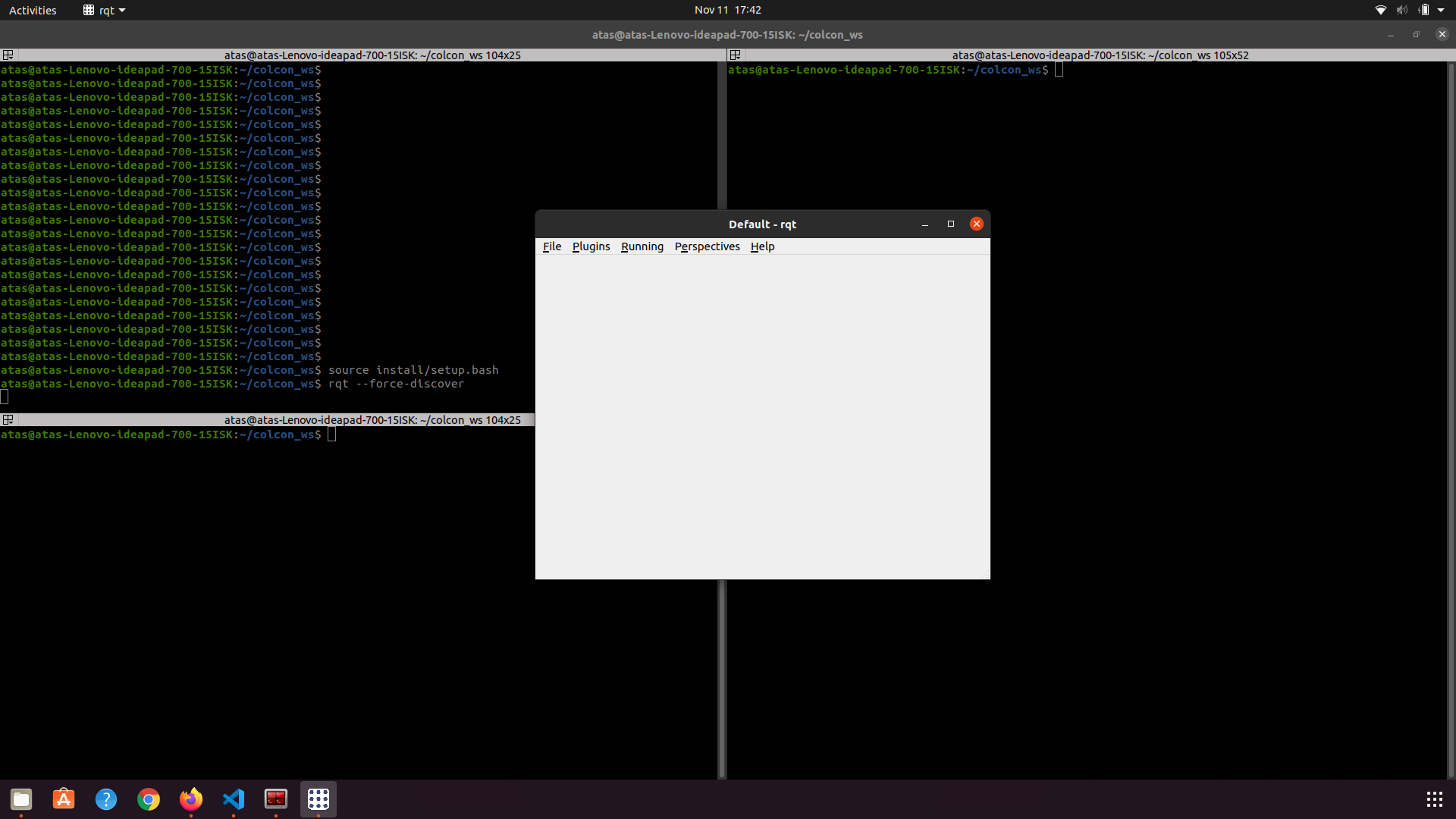
The rqt window should open as above. You should now find our plugin under;
`Plugins -> Visualization -> Control Plugin. `
Click on Control Plugin and you would be able to see;
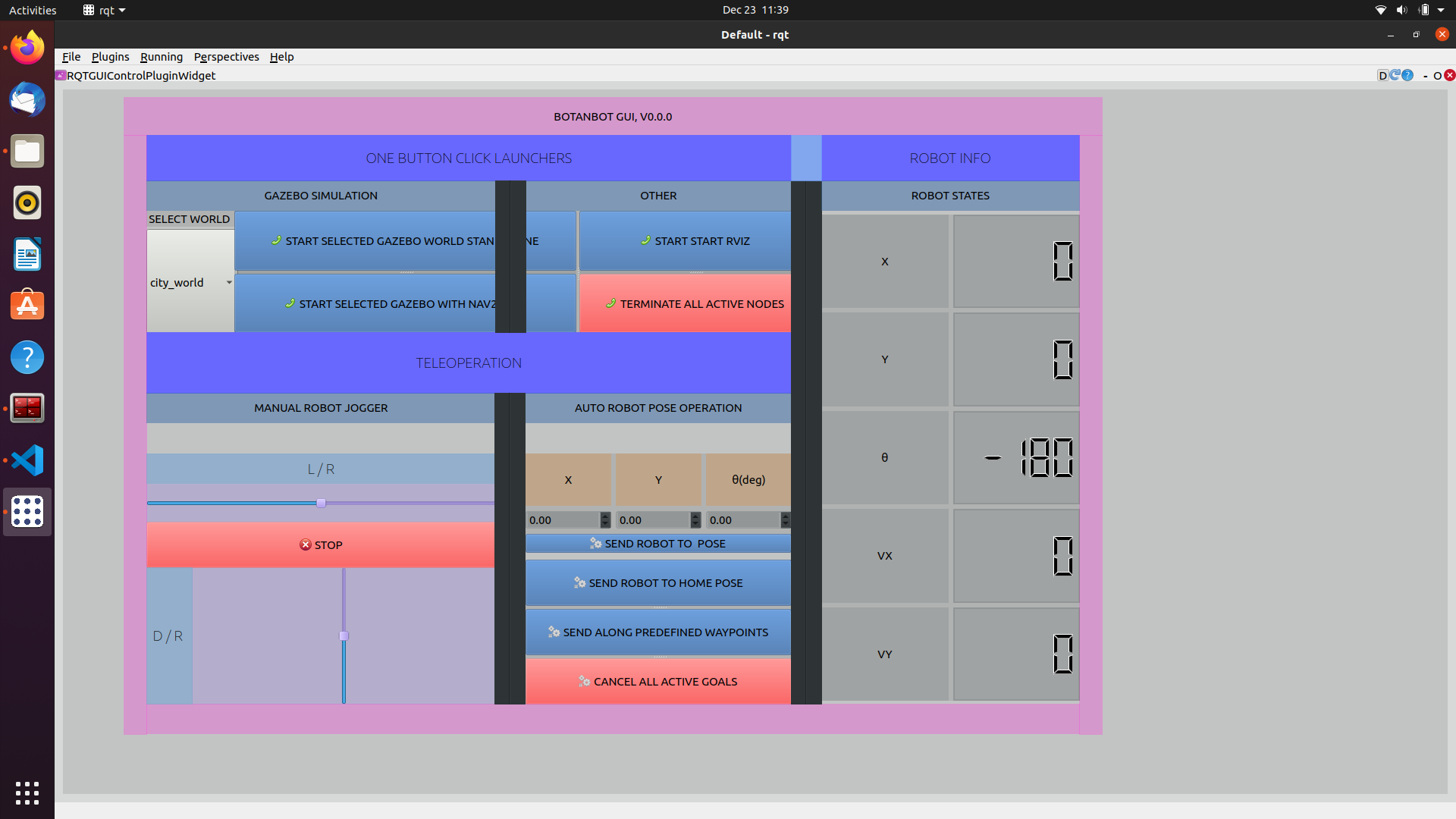
1. Interact with GUI
Select a world that you would like to run te robot in then Click on Start Gazebo Stand Alone to start botanbot simulation. Note that the Gazebo worlds we use are large, so your computer needs to have an dedicated GPU,it takes apprx. 10 seconds for simulation to start in my case. After a while you should see Gazebo starting.
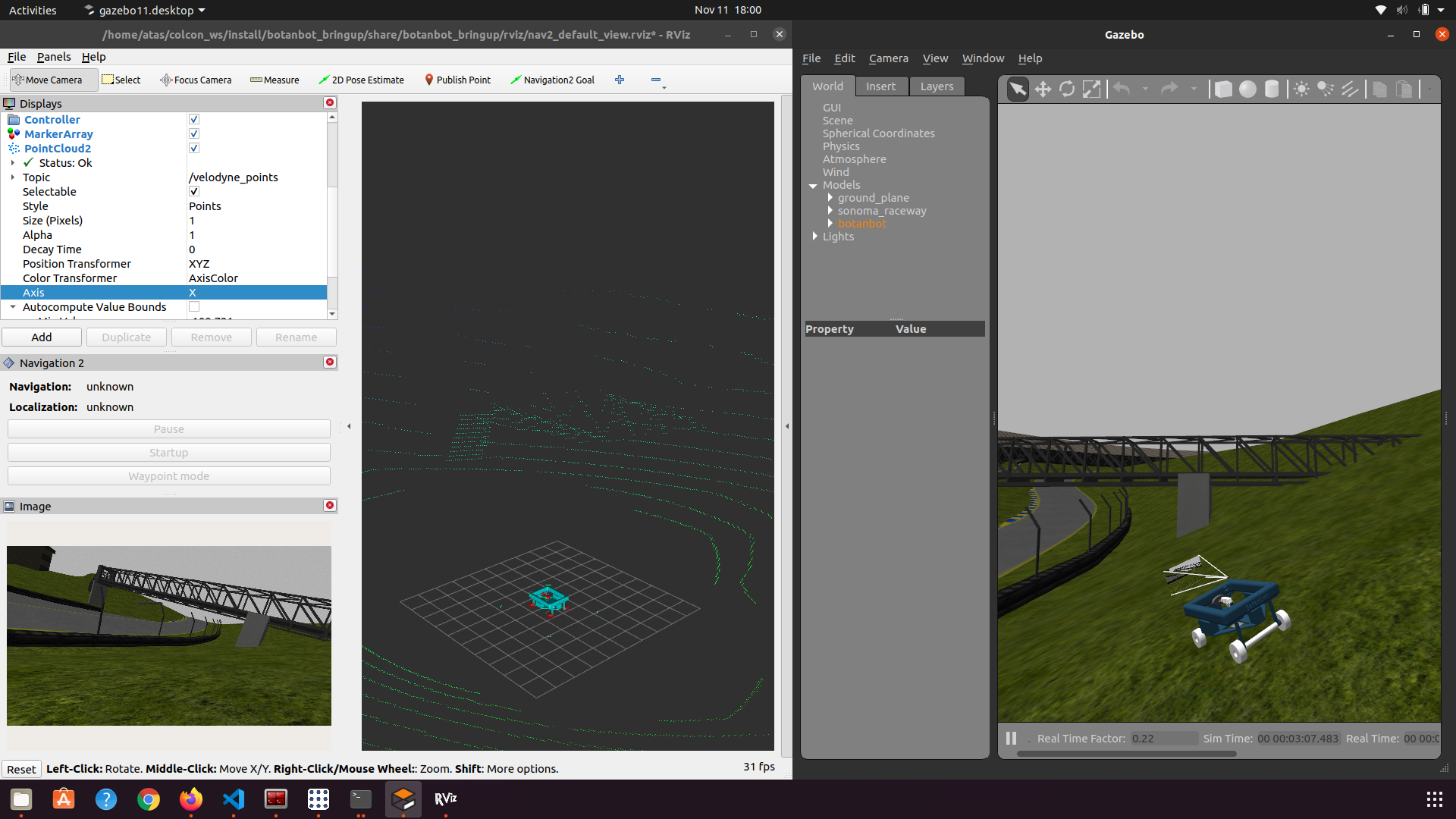
You may not see the Botanbot at first, At left side of Gazebo simulation, find the models -> botanbot right click and then follow botanbot model. This should put the focus onto botanbot.
You can also click on start RVIZ and you should be able to see sensor data and robot model in rviz ;
You can jog botanbot with RQT plugin, use L/R for giving angular speed and D/R for linear speed.